SFCC Vibe Coding with an MCP Server
https://okater.com/posts/sfcc-vibe-coding-mcp-server/
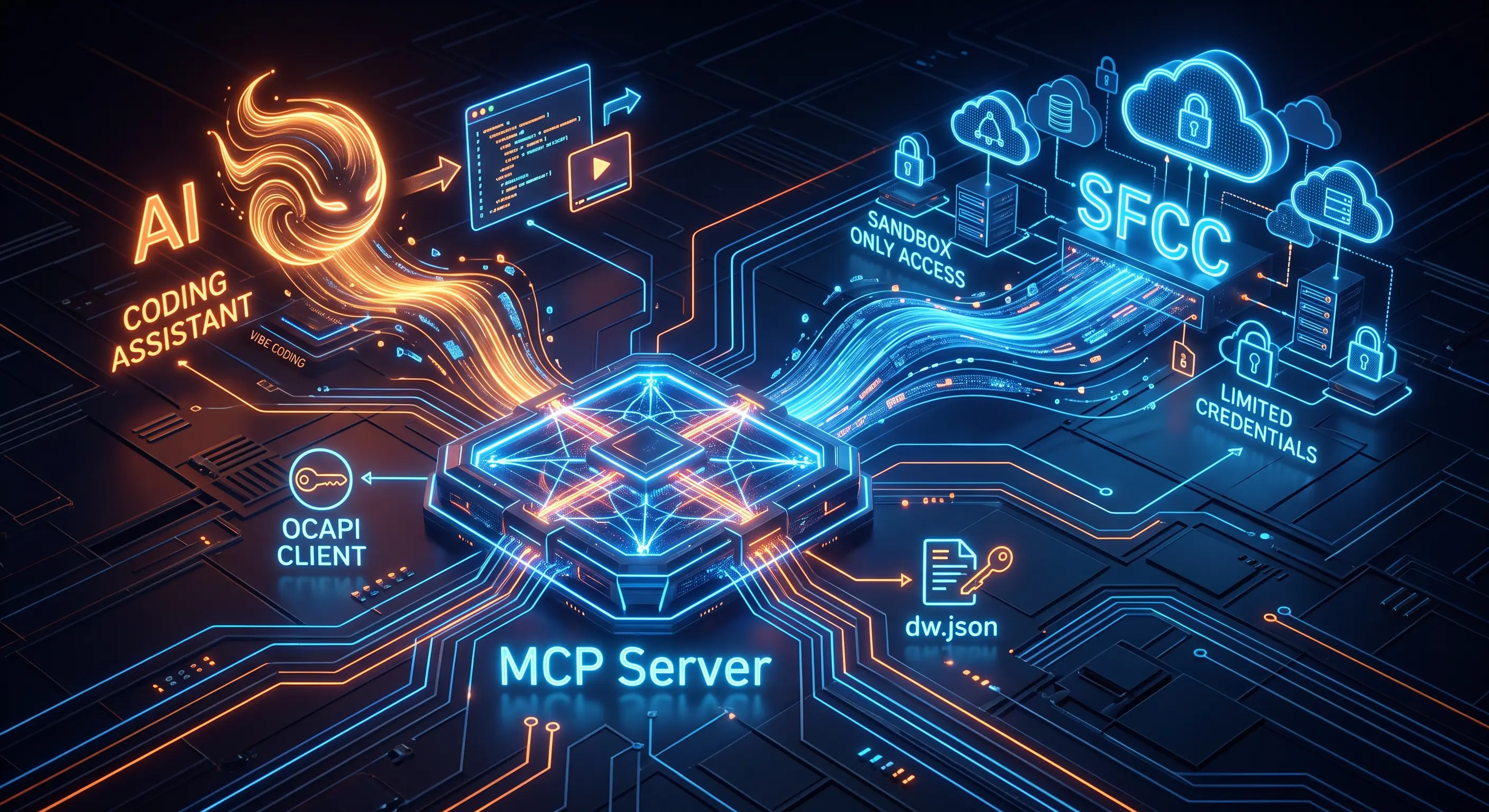
At this point, it is hard to imagine SFCC development without using AI. It speeds things up significantly. Of course, you need to be careful with it, which is a separate "Vibe Coding" topic.
The specific challenge with SFCC Vibe Coding is that standard LLMs usually aren't very good with SFCC context.
To cover that gap, we can use an MCP Server. This allows the AI to actually understand our environment. 📖 Thomas Theunen describes this concept perfectly here.
I created a video guide on how to configure this and a demo showing Copilot automatically fetching error logs to resolve issues.
MCP Server: https://sfcc-mcp-dev.rhino-inquisitor.com (Creator: Thomas Theunen)
There are some security concerns:
- dw.json — I'd suggest creating a dedicated SFCC account/credentials with a limited access to sandboxes only, maybe DEV, but definitely not STG/PRD. It might be one shared account per project/team.
- OCAPI Client — Same here, a dedicated API Client per project with a limited access to sandboxes (and maybe DEV) only.
- 3rd-party MCP Server — While MCP Server from Thomas sounds reliable, it is still 3rd-party with unexpected updates. And enterprise security models can be against it. In this case we can clone it (since it's under MIT).